

Telemedicine Or Virtual Visits for Pediatric Care
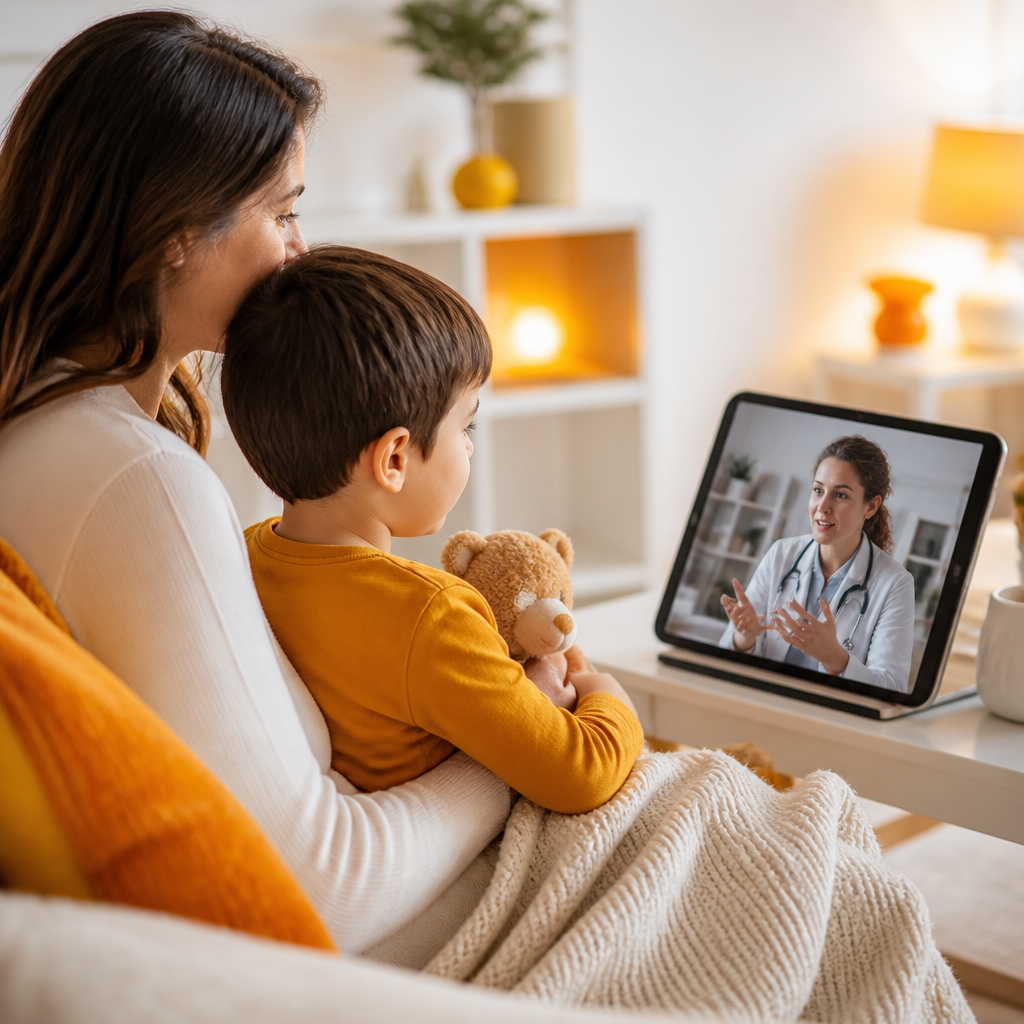
Not every pediatric concern requires a trip to the office. Telemedicine (also called virtual visits) lets families connect with a pediatric provider from home for certain questions, follow-ups, and mild illnesses—while still ensuring your child is seen in person when hands-on evaluation, testing, or specific treatment is needed.
For insurance-conscious families using Medicaid or major insurance, virtual visits can also make it easier to access timely guidance without waiting for the next available in-office appointment.
What Are Pediatric Telemedicine Or Virtual Visits?
A pediatric telemedicine visit is an appointment with a licensed provider using a secure video (or sometimes phone) connection. During the visit, your provider can:
- Review symptoms and medical history
- Give medical advice and care planning
- Discuss treatment options and answer medication questions
- Provide follow-up guidance after prior care
- Help decide whether an in-office visit or testing is recommended
This “right-care, right-place” approach aligns with what medical literature and health-policy sources commonly highlight about telehealth: it can improve access and support clinical decision-making when used for appropriate concerns.

Why Virtual Visits Matter for Insurance-Conscious Families
Families with Medicaid or major insurance often balance multiple needs at once—work schedules, school demands, transportation, and finding care that fits network rules and availability. Health insurance coverage can support healthier outcomes by helping families access care sooner rather than later.
Virtual visits can complement that benefit by reducing barriers for common pediatric needs such as:
- Busy scheduling conflicts
- Mild symptoms where guidance can prevent unnecessary delays
- Follow-ups that don’t require an exam room or testing
- Medication questions and next steps after a recent evaluation
If you’re wondering whether telemedicine is a good fit for your child’s situation, a provider can help determine the best next step during the visit.
When Virtual Visits Are a Good Option (Common Pediatric Scenarios)
Telemedicine is often helpful for concerns where a visual check and symptom review can guide care. Families commonly use virtual visits for:
- Follow-ups after an earlier visit or treatment plan
- Sick-visit guidance for mild or improving symptoms (based on provider assessment)
- Cold/flu-type symptom questions and home care recommendations
- Rashes or skin issues you can describe clearly and show on video
- Medication questions (how to give doses, what to watch for, side effects)
- Developmental guidance and questions about milestones or behavior
- Care planning for next steps, including whether testing or an in-office exam is needed
Newborn-to-young adult care: Powers Pediatrics supports pediatric families across childhood and young adulthood, and virtual visits can be part of that care plan when appropriate.
What a Telemedicine Visit Can’t Replace
Virtual care is not meant to fully replace all pediatric services. An in-office visit may be needed when your child requires:
- A hands-on physical exam
- Vital-sign measurements that can’t be assessed at home
- Diagnostic testing (for example, certain lab or cold/flu testing)
- Procedures or immunizations
- More complex evaluations where direct exam is essential
A key benefit of telemedicine is that your provider can help triage—so you don’t have to guess whether your child needs in-person care.
Using Medicaid and Major Insurance for Pediatric Telemedicine
Coverage for telemedicine can vary by plan and state rules, even when you have the same carrier or coverage tier. For Medicaid and major insurance, the best way to confirm your specific benefits is to verify telemedicine coverage details with your plan and/or your insurance support contact.
What to know before your virtual visit:
- Telemedicine availability can be plan-dependent (some plans have specific rules for video vs. phone).
- Copays/coinsurance (if any) can vary.
- In-network provider status matters.
- Prior authorization is sometimes required for certain services, depending on your plan.
A quick checklist to confirm your benefits
- Look for your plan’s information on telehealth/virtual visits coverage.
- Confirm pediatric services are covered under your plan benefits.
- Ask about any cost-sharing that may apply.
- If you work with an insurance professional, you can also ask for help using a Producer Database (or your insurer’s directory/tools) to locate the right contact for coverage questions.
If you’re unsure, you can also Contact Us to ask how telemedicine visits are handled at Powers Pediatrics and what to expect next.
How Virtual Visits Work at Powers Pediatrics (From Home)
Step 1: Request the appointment
You can use Powers Pediatrics’ appointment request options (including online request options) to schedule a telemedicine visit.
Step 2: Get ready for the visit
Before the appointment, have helpful details ready:
- Your child’s symptoms (start date, pattern, worsening/improving)
- Temperature readings (if you’ve measured them)
- Current medications and dosing schedule
- Any allergies or prior reactions
- Photos or a short video clip if your provider requests it (for visible symptoms)

Step 3: The visit with your pediatric provider
During the call, your provider will:
- Ask targeted questions about symptoms and overall health
- Guide you on what to observe or measure at home
- Review medication questions and provide next-step guidance
Step 4: After the visit
Depending on what your provider finds, you may be advised to:
- Continue home care and monitor symptoms
- Start or adjust medications (with clear instructions)
- Schedule an in-office visit if exam/testing is recommended
- Receive follow-up guidance through your care plan
What to Prepare for a Smooth Telemedicine Appointment
To help your provider assess your child accurately, consider the following:
- Use a quiet, well-lit space
- Have your child available on camera when appropriate
- Keep a list of medications (include the name and dose)
- Write down questions you want answered (medications, duration, symptoms to watch)
- If you can, measure temperature and note any key observations
If your child’s symptoms change quickly or become severe, your provider can help determine whether you should switch to in-person care.
When to Choose In-Person Care Instead
Choose immediate in-person care (or emergency care if appropriate) if your child has warning signs that require urgent evaluation. While each situation is unique, examples of “don’t wait” situations can include severe breathing trouble, dehydration concerns, or rapidly worsening symptoms.
During a virtual visit, your provider may also recommend in-office evaluation if they can’t safely assess key details from home.
Frequently Asked Questions
1) How do I confirm that virtual visits are available?
Virtual visits are available for certain pediatric concerns, follow-ups, and guidance needs. The best way to confirm fit for your situation is to request a telemedicine appointment and discuss your child’s symptoms with the provider.
2) Can I use Medicaid or major insurance for a telemedicine visit?
Many families can use Medicaid or major insurance for care, but telemedicine benefits can differ by plan. Review your plan’s telehealth coverage rules and confirm cost-sharing details. If needed, you can also Contact Us so we can guide you on what to expect for appointment scheduling and next steps.
3) What kinds of symptoms are best for a virtual visit?
Virtual visits are commonly used for mild or improving symptoms, follow-up questions, medication guidance, and visible concerns you can show clearly on camera. Your provider will help determine whether your child can be managed at home or should be seen in person.
4) Will my child still be seen in person if needed?
Yes. A telemedicine visit often helps triage the next step. If hands-on evaluation, testing, or immunizations are needed, your provider can recommend an in-office appointment.
5) Do I need special technology to join a virtual visit?
Typically, you’ll need a reliable internet connection and a device with camera/audio. Your care team will guide you on how to connect for the appointment.
6) Can virtual visits handle developmental questions?
Developmental guidance can be appropriate for virtual care—especially for milestone questions and planning next steps. If your provider recommends additional evaluation, they’ll advise you on in-office options.
7) Can I get school or sports physicals through telemedicine?
Physicals and immunization-related services are usually completed in person. Virtual visits can still help you understand what to prepare and whether you need an in-office appointment.
8) Where do I manage upcoming appointments and messages?
Powers Pediatrics offers patient portal access. After scheduling, you can use the portal for appointment information and to communicate as guided by the clinic.
Conclusion
Telemedicine or virtual visits make it easier for busy Orlando families to get trusted pediatric guidance from home—especially for follow-ups, medication questions, developmental concerns, and mild illness symptoms. At the same time, virtual care is designed to support the right decision: your provider can guide you on monitoring at home and recommend in-office evaluation or testing when hands-on care is needed.
CTAs
- See more... about what virtual visits can help with at Powers Pediatrics
- Contact Us to ask whether a telemedicine visit is appropriate for your child’s needs
- If you need help confirming benefits, check with your insurance coverage contact using a Producer Database (or your insurer’s directory tools) and ask specifically about telehealth/virtual visit rules for your plan as locked source material.