

Telemedicine (Virtual) Pediatric Visits for Families
Telemedicine—also called virtual visits—lets you connect with a Powers Pediatrics provider from home for eligible pediatric concerns. For Telemedicine-First Families, it offers a convenient way to get trusted guidance quickly, especially for common symptoms, follow-ups, medication questions, and care planning.
At the same time, virtual care isn’t meant to replace everything. Some situations still require an in-office visit, physical exam, immunizations, testing, or hands-on treatment. The goal is simple: start with the right level of care, and move to the next step when needed.
Learn MoreWhat to Expect From a Pediatric Telemedicine Visit
A virtual visit is designed to help your provider understand your child’s symptoms and needs, then recommend the best next step. Depending on the concern, your provider may:
- Review your child’s symptoms and history
- Ask questions about temperature, breathing, behavior, feeding, pain, or rash
- Guide you on home care and symptom management
- Discuss treatment options and review medications
- Confirm whether an in-office exam is recommended
- Determine whether testing or immunizations are needed
If an exam, testing, or immunization is required, your provider will help you plan the next step.
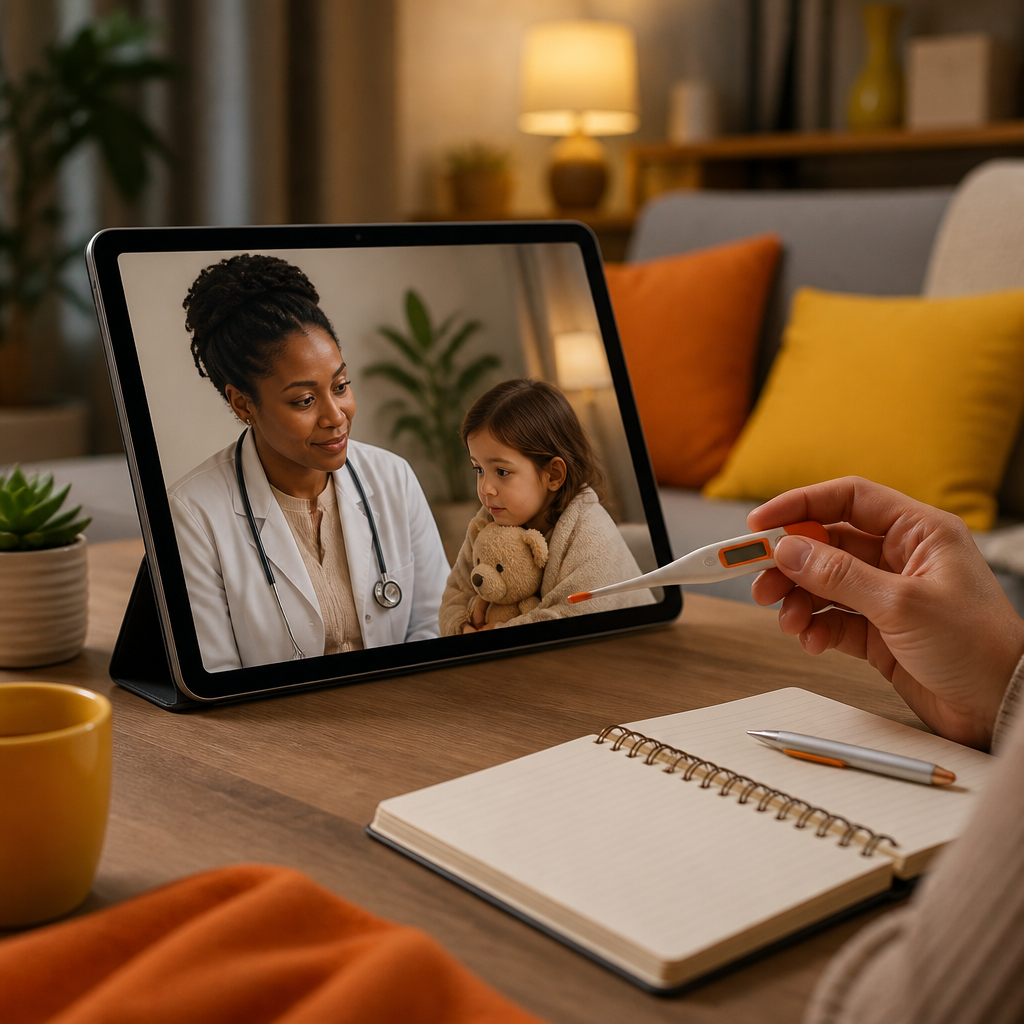
When Virtual Visits Are a Good Fit
Telemedicine is often a great starting point for non-emergency concerns that can be assessed through a conversation, observation, and—when appropriate—photos or video.
Common examples include:
- Mild to moderate cold symptoms and questions about next steps
- Fever guidance and when to monitor vs. when to be seen
- Vomiting or diarrhea guidance (including hydration questions)
- Rash questions when the description and visuals support safe triage
- Follow-up visits after a prior appointment or treatment plan
- Medication questions (dosage timing, side effects, how to continue)
- Questions about chronic or recurring issues that have known care plans
- Developmental questions and guidance (to discuss milestones and concerns)
- School or activity-related health questions when an exam isn’t required

When Your Child May Need an In-Office Visit
Some pediatric concerns can’t be fully evaluated virtually. Your Powers Pediatrics provider may recommend an office visit when your child needs:
- A hands-on physical exam
- Testing (such as cold/flu testing or other evaluations)
- Immunizations
- Allergy testing and related care
- Procedures or treatment that requires in-person care
- A closer look at symptoms that can’t be safely assessed at home
If virtual care suggests you need in-person evaluation, it’s to keep your child safe and ensure nothing important is missed.
Preparing for a Telemedicine Visit (So You Get Faster Help)
Being prepared can make your virtual visit smoother and more productive. Before your appointment, consider:
- Have your child’s current symptoms clearly described (how long, how severe, what’s changed)
- Keep a list of current medications (including dose and timing)
- Note relevant medical history or recent exposures (if applicable)
- Be ready to share your child’s temperature readings and any home observations
- If needed, prepare photos or video clips of symptoms beforehand (your provider will tell you if this is helpful)
If your child has a known condition or has been seen recently, having those details handy helps your provider guide you more accurately.

Using the Patient Portal: Patient Communication Login
Many families use the patient portal for updates, messages, and appointment-related steps. If you’re part of the Powers Pediatrics patient portal, you can access secure communications through Patient Communication Login.
After logging in, you can:
- Review visit-related instructions (when shared)
- Manage parts of your care that may be available through the portal
- Use the portal to support communication with the care team
If you’re looking for step-by-step support, the User Guide section below can help you find what you need.
Telemedicine User Guide (Quick Start for Families)
If you’re new to the patient portal or want a simple reference, use the User Guide to help you navigate key tasks. A typical user flow includes:
- Log in to your patient portal account
- Confirm or update information related to your child’s care
- Review messages and instructions from your care team
- Access appointment-related details when available
- Reach out if you have questions you want answered before or after the visit
If you’re unsure where to find what you need, the fastest route is to contact the team—see Contact Us below.
Contact Us for Telemedicine Questions
Not sure whether your child’s concern qualifies for a virtual visit? Want help choosing between a virtual visit and an in-office appointment?
You can Contact Us to ask questions about telemedicine scheduling, preparation, and next steps. The Powers Pediatrics team can help you understand what to expect and how to plan for care—whether your visit stays virtual or needs an in-person follow-up.
Telemedicine and Continuity of Care at Powers Pediatrics
Telemedicine can be a practical first step, but your child’s care should stay coordinated over time. At Powers Pediatrics, virtual visits are used to provide timely pediatric guidance and care planning, while also ensuring your child can be seen in person when needed for exams, immunizations, testing, or other hands-on services.
This approach helps reduce unnecessary trips while keeping care safe, thorough, and family-centered.
FAQs
1. Can my child be seen virtually for minor illnesses?
Yes. Many common pediatric concerns can start with a virtual visit, especially when your provider can safely assess symptoms through the conversation and visual information. Your provider will advise whether home care is appropriate or whether an in-office visit is needed.
2. What if the virtual visit shows my child needs testing or immunizations?
That can happen. If your provider recommends testing, immunizations, or a physical exam, they will help you determine the next step so your child receives the appropriate in-person care.
3. Do I need to create an account to communicate about care?
Powers Pediatrics supports patient portal access for secure communication and care coordination. For access details, use Patient Communication Login and follow the User Guide if needed.
4. How do I find instructions before the appointment?
Your care instructions are typically shared through the portal and/or appointment information provided by the clinic. If you can’t locate what you need, you can Contact Us for help.
5. What should I have ready during the virtual visit?
Be ready with your child’s symptom timeline, any temperature readings, current medication list, and any observations that help describe what’s going on. If your provider requests photos or visuals, having them prepared can help.
Conclusion: Start With Virtual Guidance—Then Get In-Person Care When Needed
For Telemedicine-First Families, virtual pediatric visits can make it easier to get timely guidance from home when an office visit may not be necessary. Powers Pediatrics uses telemedicine to help evaluate symptoms, answer medication and follow-up questions, support mild illness care, and discuss developmental concerns—while ensuring your child is seen in person when testing, immunizations, physical exams, or treatment require hands-on care.
If you’re considering a virtual visit, explore telemedicine options with Powers Pediatrics and reach out if you have questions. You can also use the patient portal resources for communication support, including Patient Communication Login, the User Guide, and Contact Us for assistance.